MEC Computer Expert Repair & IT Solutions You Can Trust

MEC Computer

Expert Repair & IT Solutions You Can Trust

Latest Articles

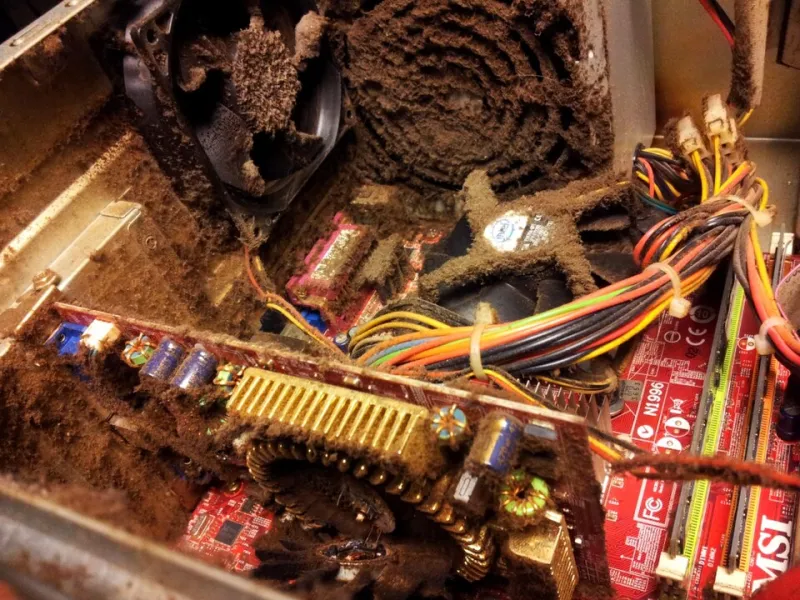
When Your PC Runs Hot and Slow: Understanding CPU Thermal Throttling and How to Fix It
Hardware & Diagnostics

When Your PC Runs Hot and Slow: Understanding CPU Thermal Throttling and How to Fix It

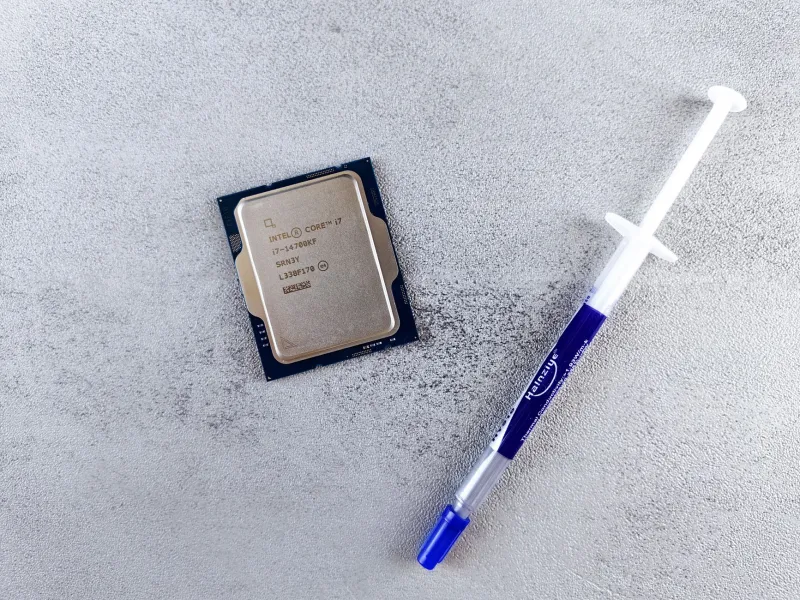
A processor that quietly reduces its own speed to avoid overheating can rob your system of performance you are already paying for. Understanding why thermal throttling happens — and how to address it — can mean the difference between a sluggish machine and one operating at full capacity. This guide walks through the causes, the diagnostic steps, and the solutions that actually work.

Why Your First Instinct After a Hard Drive Failure Could Cost You Everything
Hardware & Diagnostics

Why Your First Instinct After a Hard Drive Failure Could Cost You Everything

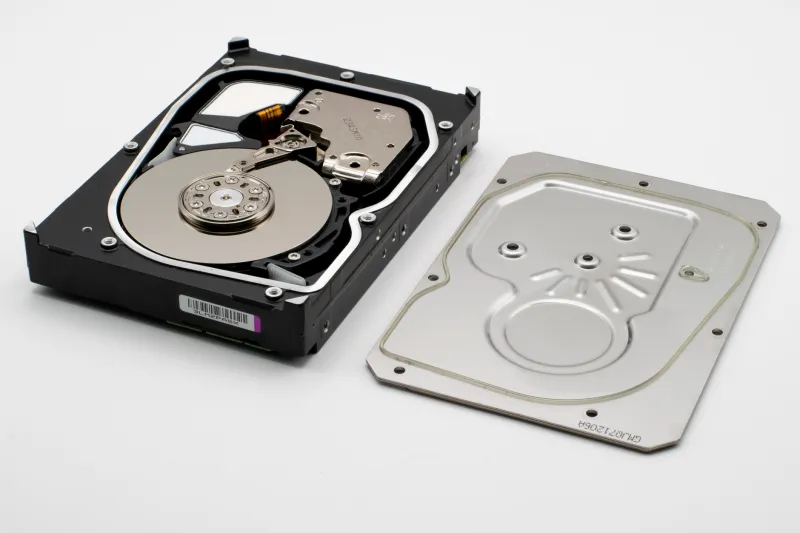
When a hard drive fails or files suddenly vanish, the instinct to act immediately is understandable — but that urgency often leads to decisions that permanently destroy recoverable data. At MEC Computer, we have seen firsthand how well-intentioned troubleshooting transforms manageable storage failures into total data losses. Understanding the science behind drive failure, and knowing exactly when to step back, can mean the difference between full recovery and irreversible loss.

Graphics Cards Are Still Expensive — Here Is How to Navigate the Market Without Overpaying
Buying Guides & Tech Advice

Graphics Cards Are Still Expensive — Here Is How to Navigate the Market Without Overpaying

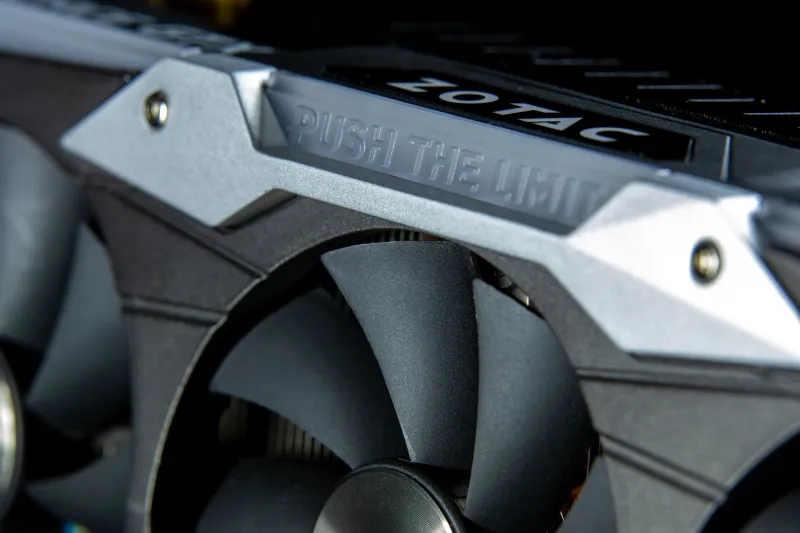
The component scarcity that upended the GPU market several years ago has not fully resolved, and gamers and content creators in the US are still feeling the financial pressure. Understanding why prices remain elevated — and knowing where to look for smarter alternatives — can save you hundreds of dollars. This guide breaks down current market realities and offers actionable strategies for getting the most from your hardware budget.

Small Business, Big Target: How to Defend Against Ransomware Before It's Too Late
Business IT & Managed Services

Small Business, Big Target: How to Defend Against Ransomware Before It's Too Late

Ransomware attackers are not just going after Fortune 500 companies — small and mid-sized businesses have become their preferred targets. This guide breaks down exactly why your business is at risk, how these attacks unfold, and the concrete steps you can take right now to protect your data and operations.

Upgrade or Replace? A Practical Framework for Making the Right Call on Your Computer
Buying Guides & Tech Advice

Upgrade or Replace? A Practical Framework for Making the Right Call on Your Computer

When a computer begins to underperform, most users face the same fundamental question: is it worth investing in hardware upgrades, or is it time to start fresh with a new machine? The answer depends on a careful analysis of age, component condition, performance requirements, and total cost — and it is rarely as straightforward as it might initially appear. This guide provides a structured framework for making that decision with confidence.

The Silent Budget Drain: Why Neglecting IT Maintenance Is Costing Your Business More Than You Realize
Business IT & Managed Services

The Silent Budget Drain: Why Neglecting IT Maintenance Is Costing Your Business More Than You Realize

For many small and mid-sized businesses, IT maintenance feels like an optional expense — something to revisit when the budget allows. In reality, deferred maintenance creates a compounding cycle of downtime, security exposure, and emergency repair costs that far exceeds the price of a proactive approach. This piece examines the true financial toll of reactive IT management and makes the case for a more disciplined strategy.

Your Computer Is Sending You Distress Signals — Here's How to Read Them
Hardware & Diagnostics

Your Computer Is Sending You Distress Signals — Here's How to Read Them

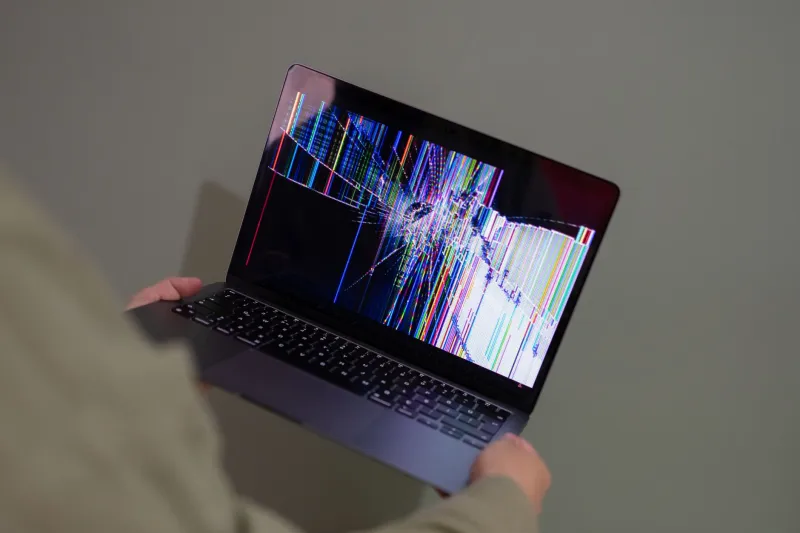
Most computer failures do not happen without warning. Recognizing the early symptoms of hardware deterioration or serious system instability can mean the difference between a straightforward repair and a complete data loss event. This guide walks you through five critical red flags that should prompt an immediate call to a qualified technician.